Built for Sunday mornings
Designed for live worship environments where clear communication must stay discreet and reliable.
Discreet, structured communication built for church security teams. Use secure messaging to adjust coverage, involve off-duty members, and respond during worship without disruption.
Built for mixed team profiles: off-duty law enforcement in uniform, visible team members with lanyards and discreet earpieces, and plain-clothes responders who coordinate quietly in the background.

Designed for live worship environments where clear communication must stay discreet and reliable.
Preserve message history and establish clear broadcast control for leadership and follow-up.
Choose Text for universal reach via SMS, or Command for full incident workflows-with optional SMS fallback.
Many church safety teams combine texting with radios or headsets to keep communication discreet during service. Some also repurpose workplace chat tools for BOLO-style updates and coordination. In practice, teams patch together tools that were never designed for duty routing, authority controls, or accountability.
Purpose-built for discreet coordination-without sharing contact lists or noisy group threads.
Team members don't need anyone else's number. Personal contact info stays private.
Send a direct message using @Name. If there's more than one match, you'll be prompted to choose.
Text STATUS to view who's checked in right now-no guessing, no calling around.
Role-based broadcast control plus message history for leadership review and follow-up.
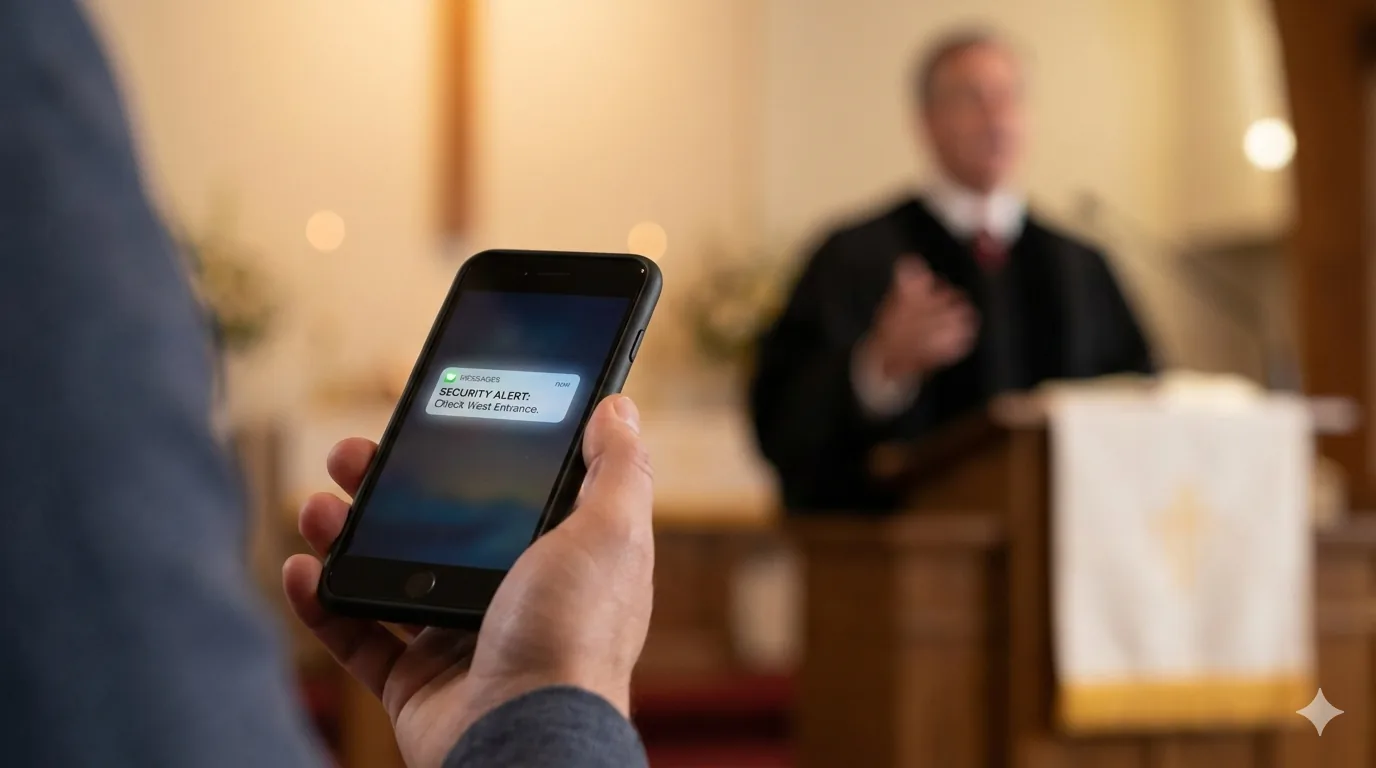
Both products solve church safety communication and each is optimized for different operational needs.
Lightweight, dependable dispatch that works on any phone.
Full incident management for dedicated operators—with optional SMS fallback.

A practical view of how teams commonly coordinate today and where Text and Command provide clearer duty routing, authority controls, and accountability.
| Capability | Sanctuary Signal Text | Sanctuary Signal Command | Group Texts | WhatsApp / GroupMe / Band Consumer group chat |
Slack / Microsoft Teams Workplace chat |
Church mass-notification tools Broadcast-first |
|---|---|---|---|---|---|---|
| No app required | Yes | Yes | Yes | Usually no | Usually no | Usually yes |
| Works well for rotating volunteers | Yes | Yes | Usually no | No | No | Usually no |
| On-duty routing (check-in/out; target only on-duty) | Built in | Built in | No | No | No | No |
| Direct message by name (no contact lists needed) | Built in | Yes | No | No | Usually yes | No |
| Broadcast authority controls | Yes | Yes | No | Usually yes | Usually yes | Usually yes |
| Message history / accountability | Yes | Yes | No | Usually no | Yes | Usually no |
| Incident workflows (assign / escalate / resolve) | No | Built in | No | No | No | No |
| Dashboard and metrics | Console | Built in | No | No | No | Usually yes |
| SMS fallback when app/push isn’t available | Yes | Yes | Yes | Usually yes | No | No |
| Best fit | Universal reach and low-friction coordination | Designated operators and repeatable incident handling | Same users always working together | All users have deployed the app and have know how | Staff workplace collaboration | One-way alerts / broadcasts |

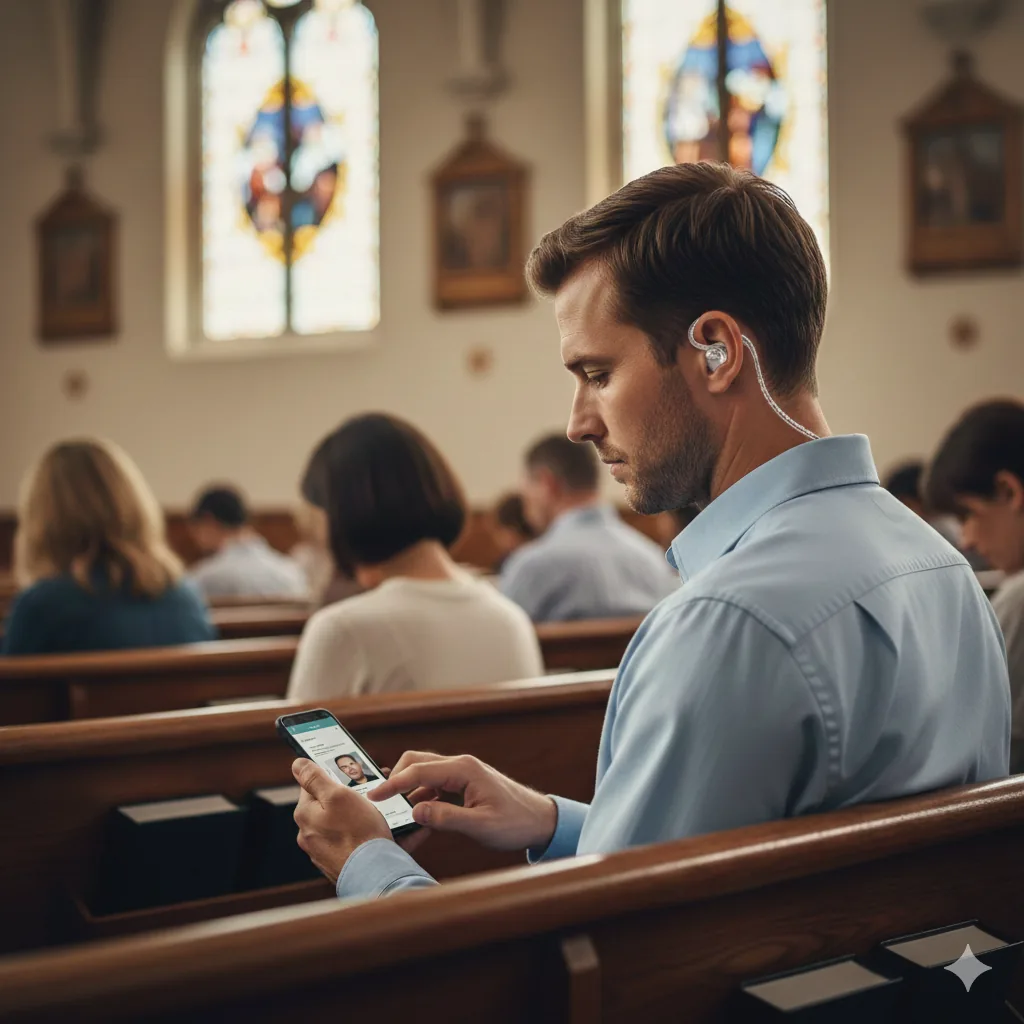
Sanctuary Signal deployments focus on fast onboarding, clear role ownership, and structured communication paths. Teams can launch with TEXT first, then grow into COMMAND with richer app workflows as ministry needs evolve.
*Monthly active users are unique users who check in or send/receive messages during the month. Billing is based on monthly active users-not roster size, shifts, or days used. Product Owners can also be a user and excluded from monthly usage counts.*
Overview mode - some sections are condensed.
Tell us about your church team and preferred product path.